Features · AI & privacy
The coaching is maths. The chat is optional.
Your daily plan, 7-Day Plan, season plan, strength week, readiness and Body Battery are calculated on your iPhone — no AI key, no subscription.
Bring your own key.
Want to talk it through? Add your own API key — Anthropic, OpenAI, DeepSeek, GLM, Kimi or any OpenAI-compatible service. You pay your provider directly, usually cents.
- Coach chat — ask anything about your training, recovery or a specific run
- Run review after every run, and coach’s notes on today’s plan
- The weekly coach report
- Food photo recognition, lab-report PDF import and lab marker analysis
If an AI request fails, the plan falls back to the standard calculation — you’re never left without a session.
How to How AI keys work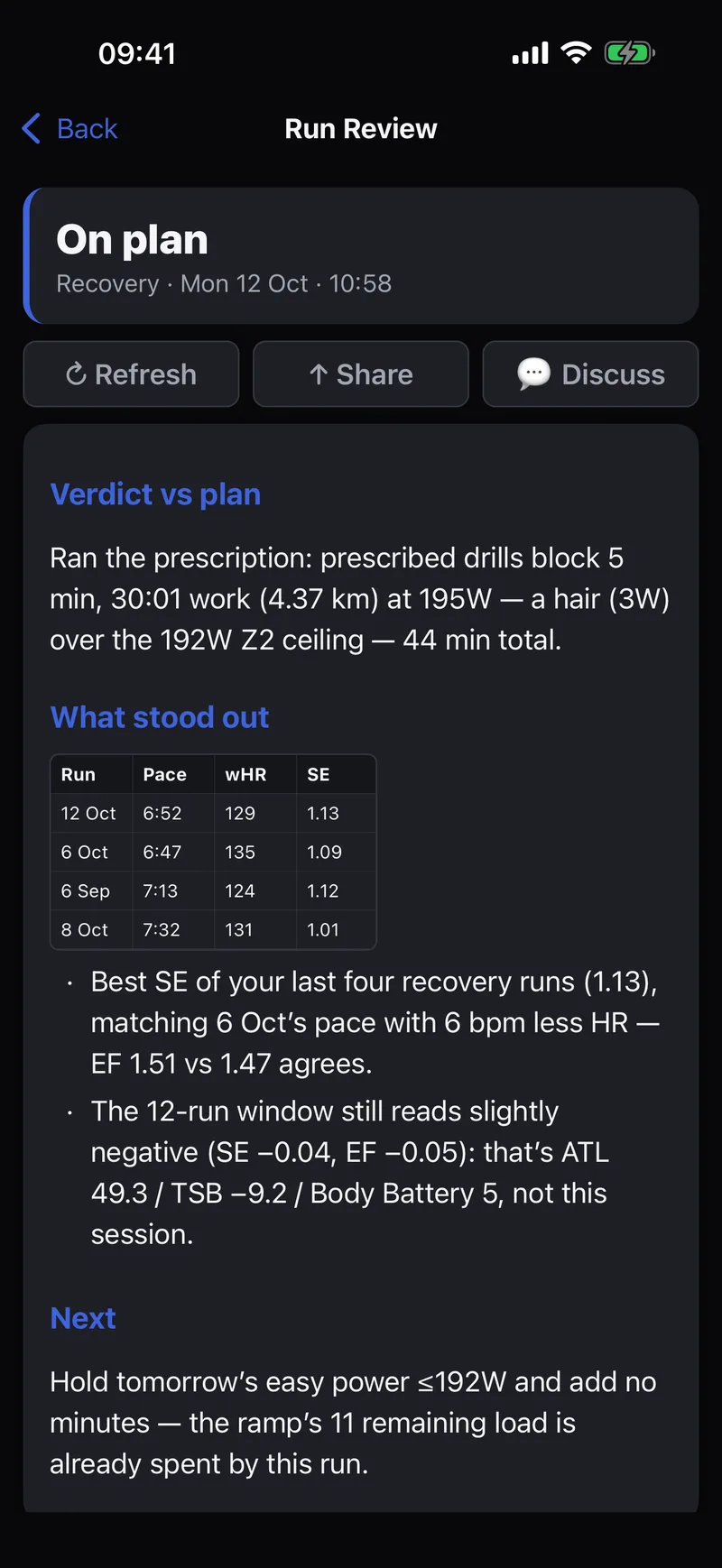
Which keys exist.
Every key is optional, stored in the iOS Keychain, and talks straight to the provider — no Tempovi server in between.
- AI coach — Anthropic, DeepSeek, GLM, Kimi, OpenAI or any OpenAI-compatible service. Pay as you go.
- Voice input — Groq (free plan) or OpenAI, to speak to the coach
- Route generation — a free openrouteservice key
- Flight lookup — a free AeroDataBox (RapidAPI) key for Travel mode
- No key at all for weather, maps, place search and the food database
Your health data stays on your iPhone.
No account
Install, allow Apple Health, done. Tempovi reads and analyses everything on the phone — nothing to sign up for, nothing synced by default.
No analytics
No trackers, no ad SDKs, no usage analytics — in the app or on this website.
Your key, your call
AI features only run if you add your own key, and then only the context a request needs goes to the provider you chose.
What it reads from Apple Health.
All of it read and analysed on-device.
- Sleep stages
- HRV
- Resting heart rate
- Respiratory rate
- Wrist temperature
- Blood oxygen
- Workouts
- Heart rate
- Running power
- Pace
- Ground contact
- Vertical oscillation
- Stride length
- VO₂ max
- Active energy
- Weight
- Body fat
- Blood pressure