Features · Apple Watch
On your wrist, one step at a time.
Today’s session is already on your Apple Watch as a structured workout — open the Workout app and go. Each step carries its own target, so you never have to remember “was it 148 or 158?”.
Structured workouts, sent for you.
Warm-up, drills, work blocks and cool-down, each with its own heart-rate or power target. Tempovi sends today’s session automatically once the plan is ready — or tap Send to Watch after you change it.
- Indoor or on a treadmill? One switch turns the targets into pace
- 01 Warm-up open
- 02 Drills 4 min
- 03 Run, zone 2 27 min · 148–192 W
- 04 Cool-down open
“Warm-up done. Settle into zone two.”
A loop from your door.
Plan a loop with Route — trail-friendly, matched to today’s distance, exportable as GPX or sent straight to your watch.
How to Plan a route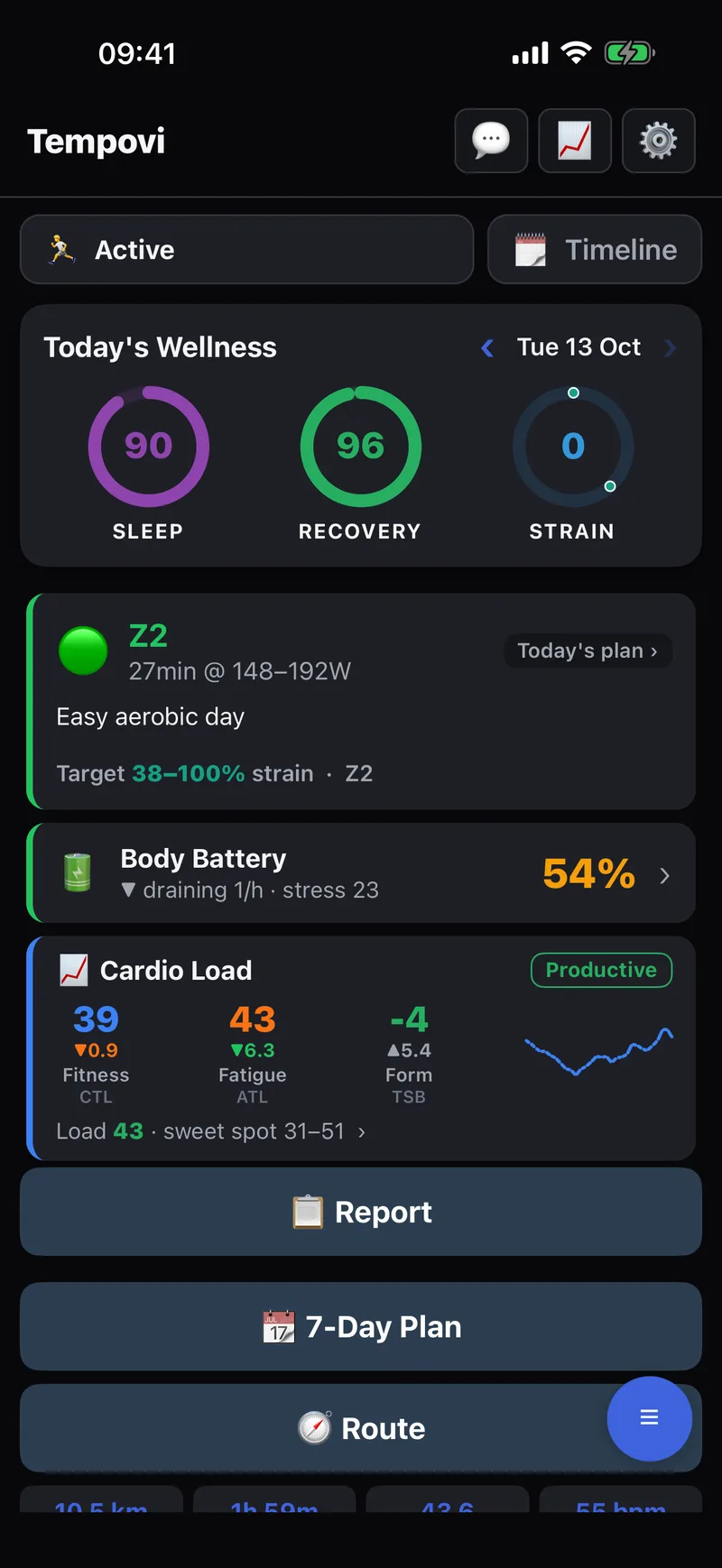
The Tempovi watch app (beta).
Prefer richer coaching on your wrist? Record runs in the Tempovi watch app instead of Apple’s Workout app.
- Spoken cues, with a 3-2-1 countdown into every rep
- Turn-by-turn voice navigation on routes, plus a live map and stats
- Indoor mode, using the watch’s motion sensor for distance and pace
- Log strength sets too, with a rest timer on your wrist