Features · Strength
Lift, without wrecking your run.
The rest of your training counts too. The coach plans strength sessions around your runs — so heavy legs never land the day before intervals.
Log it fast. Rest on a timer.
Home-gym routines, a fast logger with rest timer, personal records and a muscle-freshness map.
- Kg and reps per set, plus how many reps you had left in the tank
- Personal records: estimated one-rep max, heaviest weight, best set and best session
- Auto-update weights raises the target only after you’ve earned it
- Saved to Apple Health — linked to your watch’s workout instead of duplicated
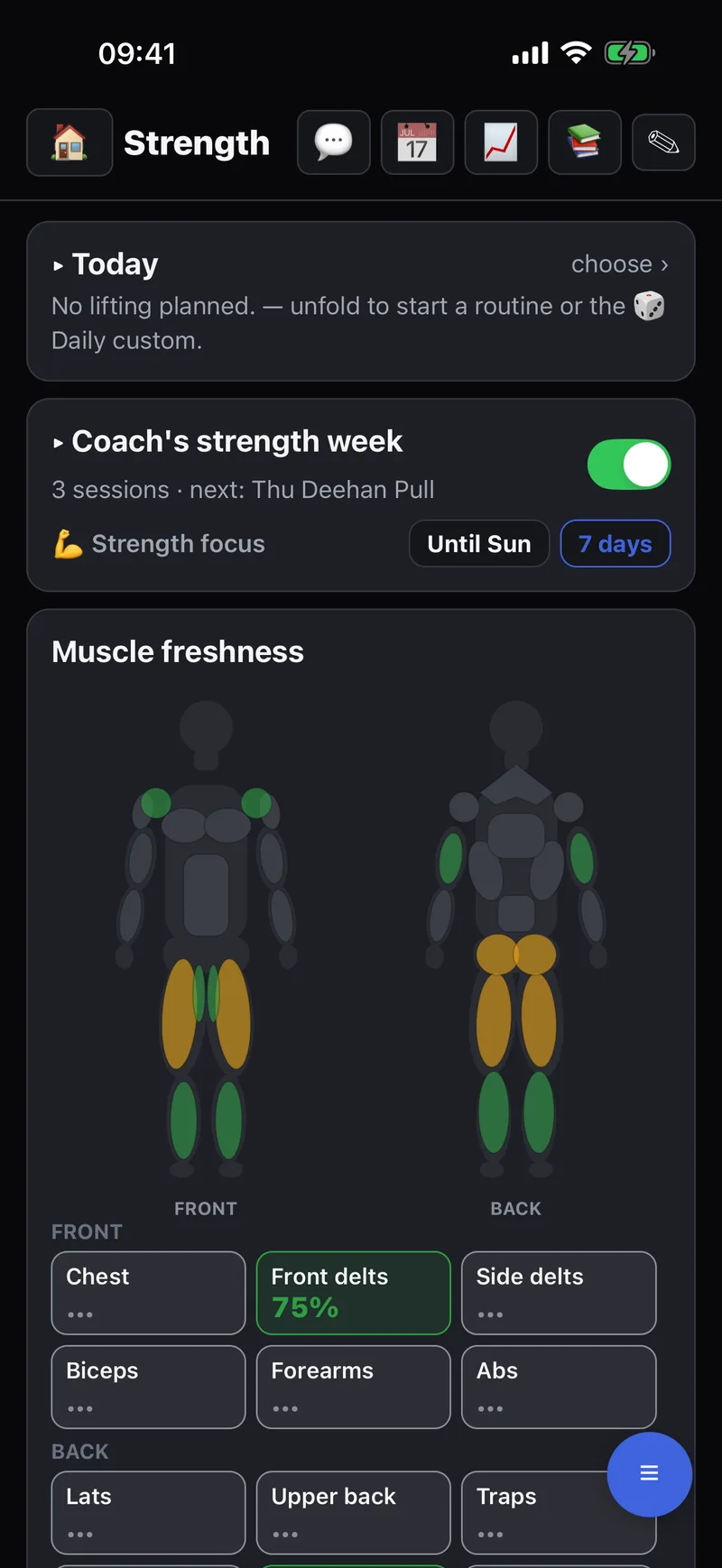
Planned around your runs.
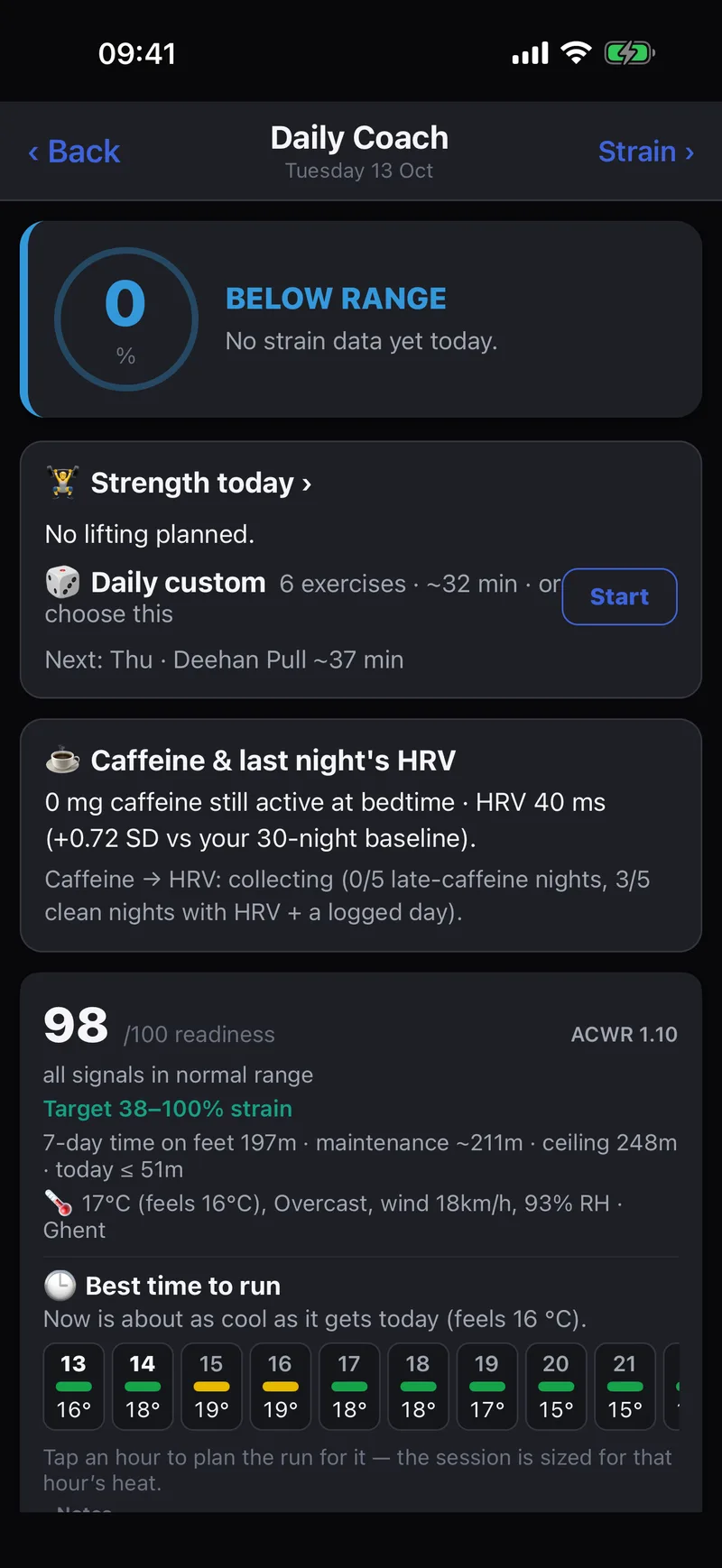
Tempovi can plan 2–4 strength sessions a week around your runs, without an AI key. Today’s routine shows up in the Daily Coach, ready to start.
- No leg work the day before intervals, tempo or a long run
- Only muscles that are fresh enough get trained — your runs count towards calves, quads, hamstrings and glutes
- No lifting on days when your readiness is very low
- Want lifting to lead for a week? Pick Strength focus in the 7-Day Plan
On your wrist, too.
Your routines appear on your Apple Watch, today’s marked TODAY. Tap Done after each set, with a rest timer on your wrist in between.
How to Log strength on your watch